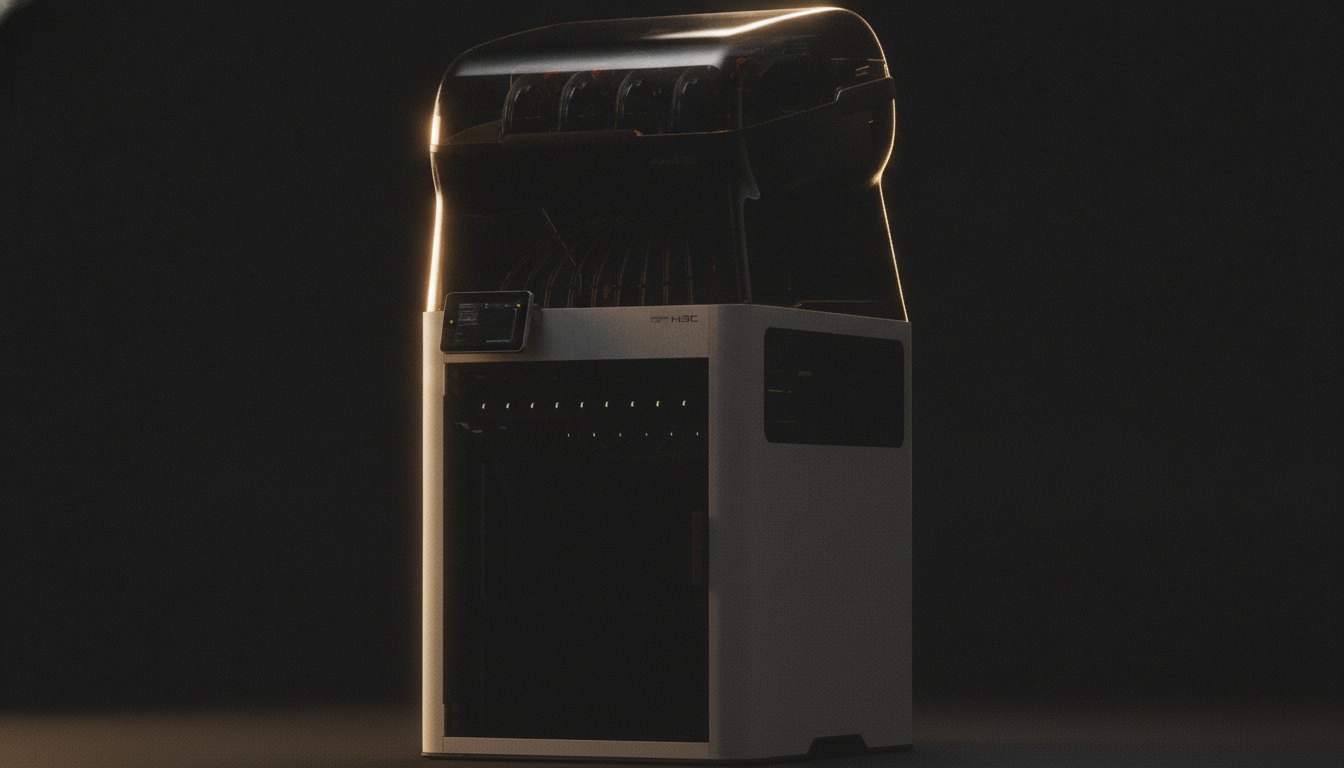
Bambu Lab launched the H3C on 3 November 2026: an enclosed CoreXY printer with a tool changer carrying nine toolheads, priced at US$2,499. I print to sell, so I’m reading this less as “cool tech” and more as “does it make money faster than what’s already on my bench?”
What’s new
- Nine PrintTools: eight for 1.75mm filament and one dedicated to 2.85mm TPU, all with 0.4mm nozzles out of the box. Bambu says a full material switch can take as little as six seconds.
- Tools wait hot: each tool keeps its filament loaded and heated just in time, so there’s no long purge between colours.
- AMS 3H: holds nine spools and dries two at a time at up to 85°C while printing. Older AMS units can be connected, for up to 24 materials.
- Engineering-ready: hardened-steel hotends to 350°C and an actively heated chamber to 65°C for ABS, ASA, PC blends and nylon.
Specs at a glance
| Spec | H3C |
|---|---|
| Build volume | 330 × 320 × 325 mm |
| Toolheads | 9 (8 × 1.75mm, 1 × 2.85mm TPU) |
| Tool change | From about 6 seconds |
| Max speed / acceleration | 1,400 mm/s / 25,000 mm/s² |
| Nozzle temperature | Up to 350°C |
| Chamber | Active heating to 65°C |
| Connectivity | Wi-Fi 6 only, no Ethernet |
| Weight (with AMS 3H) | 36.28 kg |
| Price | US$2,499 |
How it compares
The H3C goes after the same buyer as Prusa’s INDX tool changer and Snapmaker’s tool-changing machines. The real difference from a single-nozzle printer with an AMS is waste and time. A single nozzle has to purge every colour change, and on a four-colour keyring that “poop” pile can outweigh the part. With a tool changer, each colour lives in its own hot nozzle, so you skip most of that purge and most of the wait.
| Single nozzle + AMS | Tool changer (H3C) | |
|---|---|---|
| Colour change | Cut, unload, load, purge | Swap to a nozzle that’s already hot |
| Waste per change | Purge filament every time | Minimal |
| Mixing rigid and flexible | Awkward, TPU hates the AMS | Built-in TPU tool |
| Soluble supports | Possible, but every swap costs time | Practical |
| Cost | Much lower | US$2,499 |
Price check: the seller’s maths
Here’s how I’d think about it. If a multi-material product, say a two-colour keyring with a TPU grip or a nameplate with a soft bumper, nets you US$5 more than its single-colour version, the H3C pays for itself after roughly 500 of them. That ignores the filament you stop throwing away, which on multi-colour work is real money.
If you mostly print single-colour PLA or PETG parts, it doesn’t add up. Two cheaper printers running in parallel will out-earn one tool changer.
Ease of use
Bambu’s strength has always been that it just works: auto calibration, automated tool offsets, and a slicer most people already know. The trade-offs on paper are no Ethernet port, which matters if you run a few machines and want them hard-wired, and 36kg of printer, so plan the shelf. There are no long-term reviews yet, so I’d wait for reliability reports on the tool-docking mechanism before buying for production.
What I’d make with it
- Multi-colour keyrings, signage and nameplates with no purge tower eating the margin.
- Rigid plus flexible parts in one print: camera grips with TPU pads, drone mounts with soft-mounted inserts, RC bumpers with a flexible face.
- Complex functional parts with PVA support that dissolves away, so you get clean internal channels and overhangs.
- Nylon-CF brackets for FPV and RC builds, printed in a hot chamber.
Customise it
Out of the box you get 0.4mm nozzles. Bambu sells interchangeable hotends for detail or speed, so a 0.2mm tool for fine text and a 0.6mm or 0.8mm for fast structural parts in the same print is the obvious upgrade. The Bambu Station storage rack and an E1 air purifier are also on offer. With ABS and ASA in an enclosed room, I’d budget for the purifier.
bossLab verdict: if your products are multi-colour or multi-material, the H3C is the most interesting printer of the year, and the purge savings alone change the maths. If you sell single-colour functional parts, buy two simpler printers instead. Either way, wait a few months for real-world reliability reports.
Sources: 3DPrint.com · MatterHackers H3C listing · VoxelMatters
Would you buy it, skip it, or wait for version two? Tell me in the comments below. I read every one.