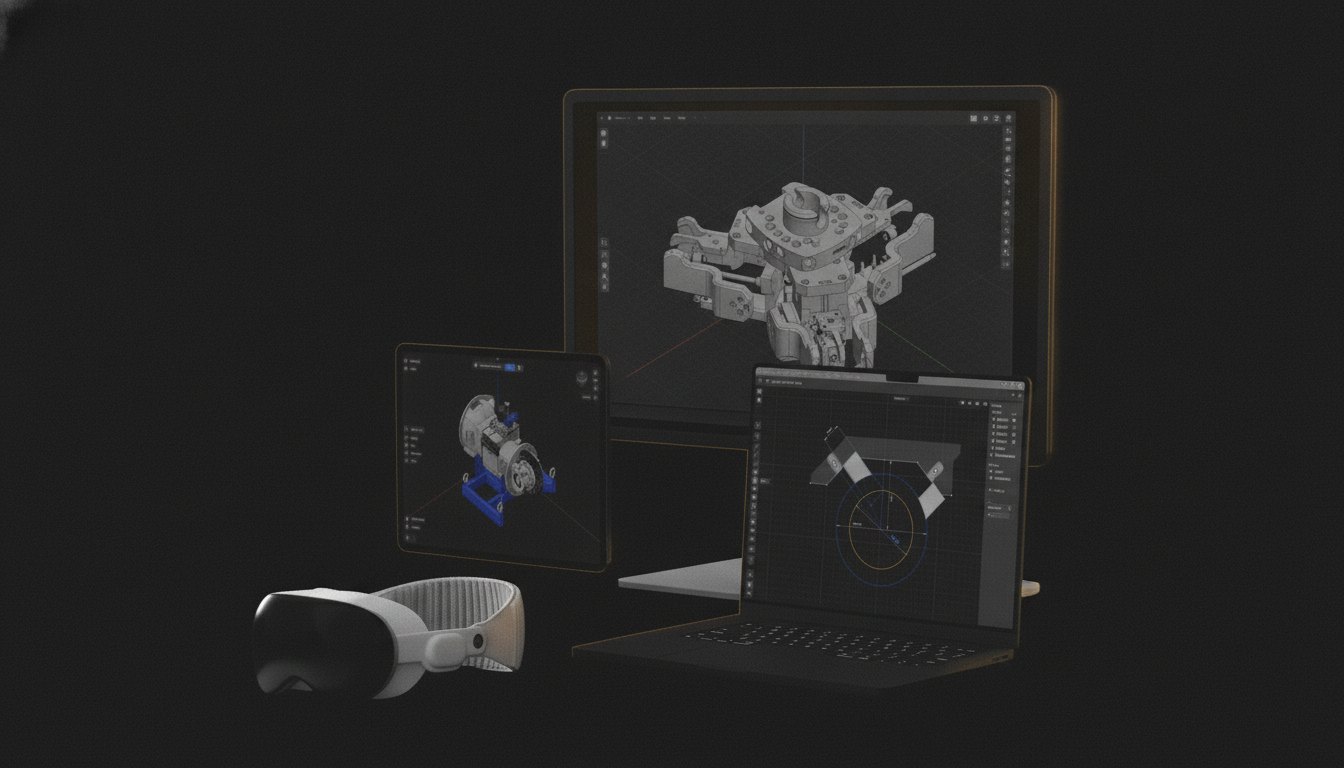
Every STL I sell starts in Shapr3D, including the Leica D-Lux 8 lens adaptor that photographers keep buying. It’s the CAD tool I recommend to makers who find Fusion overwhelming: direct modelling, quick sketches, and it runs on an iPad with a pencil as well as on Windows and Mac. This year’s updates have quietly made it better at the thing I care about: designing products, not just parts.
What’s new this year
X-Ray mode (version 26.90)
A new display mode with an opacity slider. You see internal geometry while the outer shape stays visible. For enclosures, battery boxes, camera grips with hidden magnets or screw bosses, it’s the fastest way to check that things inside actually line up.
Construct menu (26.90)
Construction planes and axes now have their own menu, the tool suggests options based on what you’ve selected, and alignment snaps are more precise, with key points highlighted in purple. Fewer fiddly reference planes means faster modelling of angled mounts, like FPV camera tilt or lens-hood bayonets.
Decals that wrap (26.90 and 26.100)
Decals can now chain across connected faces, export in PBR and USD, and switch between planar and cylindrical projection. For selling, this matters more than it sounds: you can mock up a branded product image straight from the CAD model before printing a single prototype.
Auto-Boolean Revolve (26.100)
Revolve now joins, cuts or intersects as you go, with a badge to pick which. Lens hoods, knobs, spool hubs, wheel rims for RC cars: anything round got faster to make.
How it compares
| Shapr3D | Fusion | Onshape | Tinkercad | |
|---|---|---|---|---|
| Learning curve | Gentle | Steep | Medium | Very gentle |
| Modelling style | Direct, with history | Parametric timeline | Parametric, in the browser | Primitive blocks |
| iPad with pencil | Excellent | No | Limited | Browser only |
| Product renders | Built-in visualisation with decals | Yes | Basic | No |
| Best for | Makers designing products fast | Engineering and CAM | Teams | First steps, kids |
My workflow: from idea to a sellable STL
- Measure the real thing with callipers. Camera bodies, drone frames and lens barrels are never quite what the spec sheet says.
- Sketch the fit first, then the looks. Clearances of 0.2 to 0.3mm for sliding fits on a tuned FDM printer, tighter on resin.
- Check the insides in X-Ray mode: wall thickness, screw bosses, magnet pockets.
- Design for the printer: flat faces down, 45° overhangs, no supports where a customer will see marks.
- Render with decals for the product listing while the first prototype prints.
- Print, test, revise, then export STL and STEP. Buyers who remix love STEP files.
Use cases that sell
- Camera accessories for specific models: adaptors, thumb grips, hoods. Small niche, loyal buyers, little competition.
- FPV and RC parts: camera mounts, antenna holders, bumpers and bodies, printed in TPU and PETG.
- Keepsakes and gifts with clean organic shapes, where the iPad pencil workflow shines.
Ease of use and price
The free tier is enough to learn; serious export and visualisation need a paid plan. I’d learn on the free version for two weeks, then decide. If you’ve bounced off Fusion before, Shapr3D is the one that sticks.
bossLab verdict: the 2026 updates make Shapr3D better at products, not just parts. X-Ray mode and wrapping decals are the two I use every week. If you want to sell your own designs, this is the most approachable serious CAD tool there is.
Sources: Shapr3D 26.90 release notes · Shapr3D 26.100 release notes · Shapr3D changelog
Would you buy it, skip it, or wait for version two? Tell me in the comments below. I read every one.